
JumpyCat
6,396
Join a fun, Flappy Bird-inspired adventure where you guide cute, hand-drawn cats through an endless flight filled with varying obstacles. Enjoy an array of different cat breeds, an infinitely expanding path, beautifully designed backgrounds that scroll at different speeds for depth, and randomly appearing pipe challenges. Experience this delightful game at Crazy Games Online.
Recommended Games

★ 4.7
Monster Baby Hide or Seek
Click or tap on the screen to interact with the game elements. Each click or tap triggers actions such as selecting items, making characters move, or responding to in-game prompts. Use these interactions to progress through levels and achieve objectives.
3,975
★ 4.8
Survival Rpg Island Escape
Click or tap on the screen to interact and progress through the game.
5,977

★ 4.3
Flappy Santa Claus
Use mouse or touch the screen to interact with elements within the game. Click or tap to select items, characters, or options. Drag to move objects or navigate menus.Swipe for scrolling through scenes or inventory.
4,234
★ 4.9
Flying Man 3D
Click or tap on the screen to interact and play.
6,940
★ 4.8
Gloves Grow Rush
Grip the screen and swipe to navigate characters horizontally.
6,503

★ 4.7
Wiz Maze
Start the game by tapping the play button to embark on your maze adventure. Navigate the maze using the on-screen arrow buttons for left, right movements, and jumping. Collect power-ups like magical potions and special items placed throughout the maze to enhance your wizard's abilities.
5,832

★ 4.9
Mega Ramp Stunt Moto Game
Click or tap on the screen to interact with the game elements. Each touch triggers an action, guiding your character or selecting options within the game. Use this input method to navigate through levels and solve challenges.
6,581

★ 4.7
Plinko Balls Town 2025
Click or tap the screen to interact and progress in the game.
5,998
★ 4.6
Squid Sprunki Shooter Game 2
In this mode, players navigate and interact with the game using only their mouse. Clicking, dragging, and aiming are all controlled through precise mouse movements, offering a direct and intuitive way to explore and engage with the game environment. This setup enhances focus on visual cues and strategic planning, minimizing reliance on keyboard inputs for actions.
3,046
★ 4.2
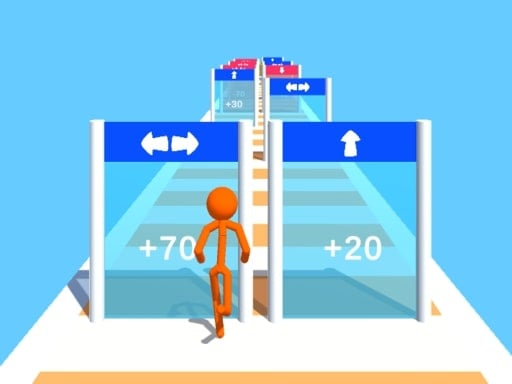
Stickman Mass Multiplier
Click or tap the screen to interact and progress through the game.
5,746

★ 4.1
Stickman Huggy 456 Squid
Use WASD keys for movement. Double jump by pressing the space bar mid-air. Gather all coins scattered throughout levels. Proceed to the green flag to complete each stage.
7,469

★ 4.4
WuggyMissy Change
Use WASD keys for movement and jumping. Prioritize collecting yellow stars before moving on to gather green stars in sequence. This game supports both mobile and desktop devices for easy accessibility.
3,525

★ 4.0
Branches Rotation Arcade Game
Click or tap the screen to interact and play.
4,484

★ 4.6
Runner Slapper
Click or tap the screen to interact and progress through the game.
7,704
★ 4.5
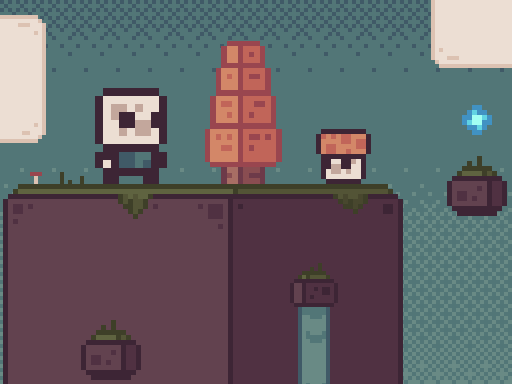
Super Sky Island Adventure
Use W A S D keys on PC or swipe on your mobile screen for movement. Logging in via mobile enables touch controls for navigation.
4,067

★ 4.2
Halloween Moster Vs Zombies
Mouse click or tap on the mobile screen to guide your monsters. Use these taps to control their movements, helping them jump over obstacles and dodge approaching zombies. Ensure they collect as many tasty candies as possible along the way.
6,548

★ 4.8
Run Stickman Run
Click or tap on the screen to interact and progress in the game.
3,037
★ 4.1
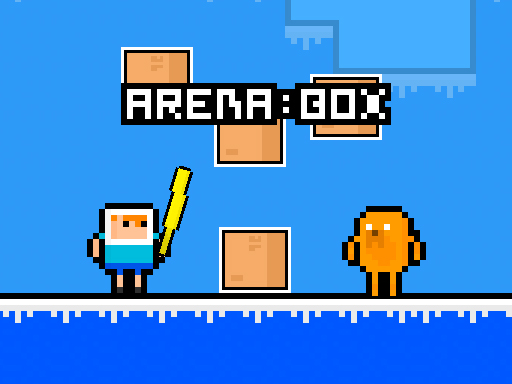
Arena : Box
Use WASD keys for the red player's movement and S to swing the sword. Use Arrow Keys for the blue player's movement and Down Arrow to attack. Stand near the box for 20 seconds to secure victory.
6,406

★ 4.1
Grimace vs giant clown shoes
To control the character, simply touch or click the left or right side of the screen, or use the left and right cursors on your keyboard for movement.
4,059

★ 4.6
Jump and Fly
Desktop Press Spacebar to jump from platform to platform with the squirrel and bee. Use Arrow Buttons to move left or right. Mobile Tap the screen to jump from platform to platform with the squirrel and bee. Adjust your taps for timing to reach platforms safely.
3,574