
King Boxing 2024
6,301
Enter the boxing arena in King Boxing 2024 and choose from eight unique character boxers, each with their own strengths and weaknesses. Progress through the tournament by defeating opponents that become tougher with every win. Success depends on using smart tactics to strike quickly while also defending yourself at the right moments to minimize damage. Will you have what it takes to climb to the top and earn the championship title? Visit our website for more games like this: https://www.bestcrazygames.com
Recommended Games
★ 4.5
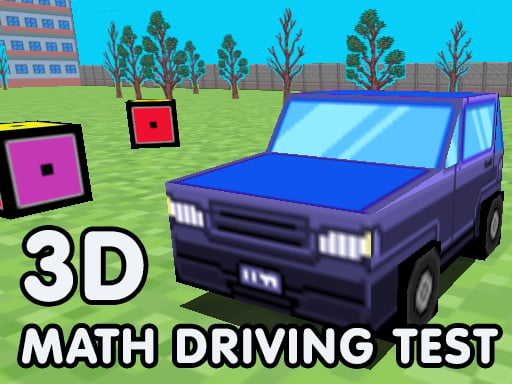
Math Driving Test
Use WASD keys to move your character left, right, up, and down in the game world. W moves forward, S moves backward, A steers left, and D steers right. Navigate through levels, collect items, and avoid obstacles using these controls for an immersive gaming experience.
7,273
★ 4.1
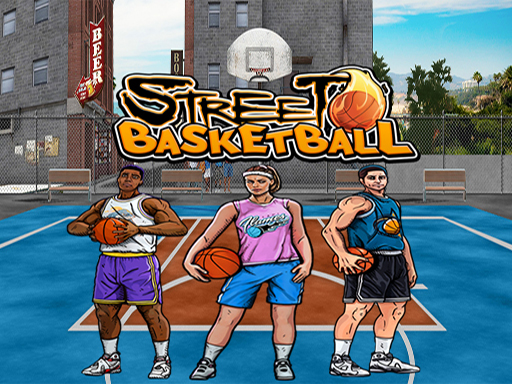
Basketball Street
Use mouse for interactions and keyboard for additional commands to play.
5,150
★ 4.4
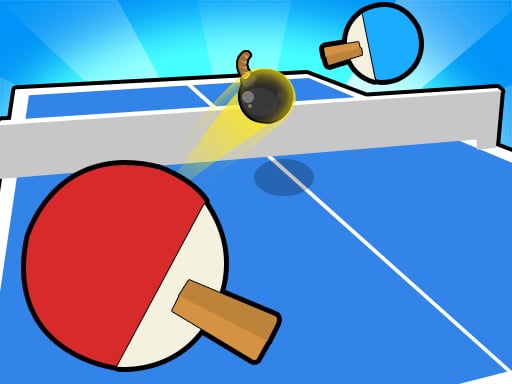
Ping Pong Table Tennis
Click or tap the screen to interact and progress through the game. Use these inputs to respond to in-game prompts, solve puzzles, and navigate levels.
4,662

★ 4.2
Popcorn Time Game
Click or tap on the screen to interact with the game elements, triggering actions, selecting options, or progressing through levels.
7,965

★ 4.4
Pixel Sumo
Keyboard: Use W to move the blue character and the up arrow for the red character. Mobile: Control the blue character with the Red button and the red character with the Blue button.
7,575
★ 4.0
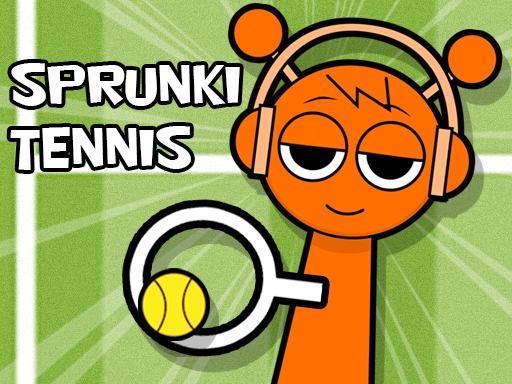
Sprunki Tennis
Click or tap the screen to interact and progress through the game.
6,395

★ 5.0
Basketball FRVR
Slide to control characters or objects on the screen for various actions and interactions within the game environment.
3,412

★ 4.5
Pixel Ball League
Keyboard You can move the blue character by pressing the W key and the red character by pressing the up arrow key. Mobile You can move the blue character with the blue key and the red character with the red key on the screen.
7,694

★ 4.2
8 Ball Shoot It All 3D Pool
Click or tap on the screen to interact and progress through the game. Use these inputs to trigger actions, select options, or navigate within the game environment. This direct interaction method allows for an intuitive and responsive gameplay experience.
5,246

★ 4.4
Crazy golf III
Click or tap the screen to interact and progress through the game. Use these inputs to trigger actions, select options, and navigate within the game environment.
7,777

★ 4.9
Drive Ahead Sports
Click or tap on the screen to interact and progress through the game. Use these inputs to trigger events, select options, or control characters. This simple input method allows for easy navigation and engagement, making the game accessible and intuitive for all players.
4,356

★ 4.9
Basketball Kings 2024
A straightforward basketball challenge aiming for maximum baskets in a set time. Swift and accurate shots are key. Achieve high scores to unlock new ball designs. As time progresses, fewer errors are tolerated.
5,905
★ 4.2
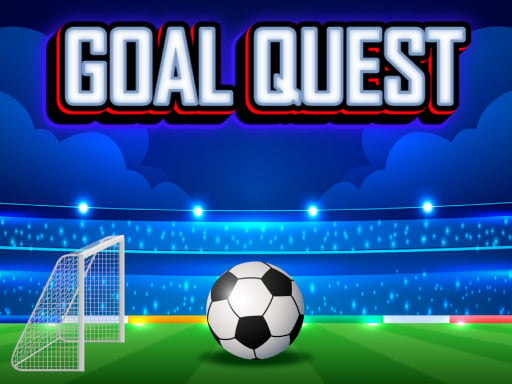
Goal Quest
Desktop Click cubes with the left mouse button to explode them. Mobile Touch the screen to pop any cube you choose.
3,474

★ 4.9
Football Stars Championship
Spin the slot machine to gain progress points in your duel and earn bonus scores by accurately shooting the ball into the goal. Use these points to advance through various leagues and collect trophies.
4,418

★ 4.3
Sprunki VS Pirates
Click or tap on the screen to interact and play. Use these inputs to navigate through levels, select options, and engage with elements within the game environment. This direct interaction method allows for an intuitive and accessible gaming experience.
3,330

★ 4.2
Basketball Park
Drag the arrow to aim, release to shoot the target. Adjust strength for distance and accuracy.
6,354

★ 4.5
Blaze Ball Showdown
Player 1 uses W for upward movement and S for downward movement. Player 2 uses the Up Arrow for moving up and the Down Arrow for moving down. Players navigate their characters vertically within the game area using these keys, with Player 1 relying on W and S, and Player 2 using the Up and Down Arrows.
6,019

★ 4.9
Princesses of Quadrobics
In this game, players use either a computer mouse for clicking or touchscreens for tapping to control their actions, making navigation intuitive and accessible across different devices.
4,523
★ 5.0
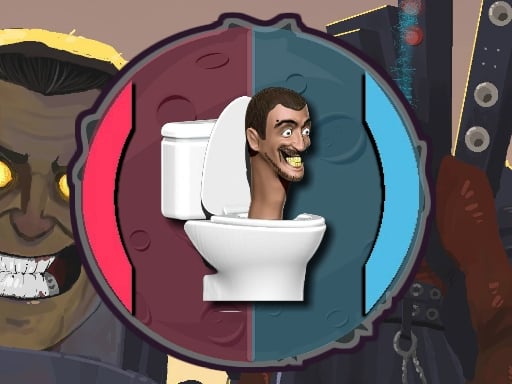
Skibidi Toilet Pong
Use W and S or Up and Down arrows to move. W and Up move your character forward, while S and Down move your character backward. This simple control scheme allows for easy navigation within the game, enhancing accessibility for all players.
3,564